How AI Can Help Small Businesses Serve Customers Smarter and Grow
Local shop owners, service providers, and online sellers are feeling the squeeze: customers expect faster responses, more personalized help, and smooth handoffs across channels, even when teams are small. The impact of artificial intelligence is real, but the promise of service delivery transformation can sound risky when automation challenges include unclear costs, messy information, and fear of losing the human touch.
At the same time, customer experience innovation is becoming a practical advantage, not a luxury reserved for big brands. With the right clarity, AI can support consistent, scalable service that keeps customers coming back.

Image source: Pexels
Understanding AI Without the Buzzwords
At its core, small-business AI is a simple map of three ideas working together: automation, customer insights, and basic machine learning. Automation handles repeatable steps, insights come from a plan to gather and analyze data about what people ask for, and machine learning is how software spots patterns and improves decisions over time.
Why does it matter? When these pieces connect, AI stops being “a tool” and starts being a system for saving time and reducing mistakes. A clear customer insights strategy helps you focus on the moments that actually move satisfaction and repeat sales. Picture a busy week: the same questions arrive by email, chat, and social messages. AI can route requests, suggest consistent replies, and flag VIPs, while you step in for the tricky cases.
With that map in mind, content workflows become the fastest place to put AI to work.
Turn Generative AI Into On-Brand Emails and Quick Creatives
Generative AI tools can help small business owners instantly draft customer emails, polish marketing copy, and build FAQ responses, so a lean team can produce the volume of content you’d normally expect from a much larger workforce, without adding headcount.
What’s changed is quality: advances in neural networks and large language models, trained on vast datasets, have made AI-generated output far more believable and usable by learning the patterns of how people write (and, increasingly, how visuals are composed).
That lets these systems generate realistic text, images, and more, fast enough to keep up with customer inquiries and promotions while staying consistent in tone. If you want a deeper sense of what this capability unlocks, start by leveraging the benefits of generative AI — Adobe Firefly.

Image source: Pexels
AI Tool Types Compared for Small Business Use
This quick framework compares the most common AI tool categories a small business can use to improve service speed, consistency, and follow-up. With so many options available and 78% of business leaders reporting AI adoption in at least one function, it helps to choose based on customer impact, not hype.
OPTION 1: AI chatbots and website chat
Benefit: Faster replies and 24/7 coverage
Best for: FAQs, order status, lead capture
Consideration: Needs escalation paths for complex issues
OPTION 2: AI email and writing assistants
Benefit: Quicker, consistent customer messaging
Best for: Support emails, quotes, follow-ups
Consideration: Requires review to avoid wrong details
OPTION 3: AI CRM and personalization
Benefit: More relevant offers and outreach
Best for: Retention, reactivation, next-best actions
Consideration: Depends on clean, consented customer data
OPTION 4: AI analytics and forecasting
Benefit: Better decisions from patterns
Best for: Demand planning, staffing, inventory
Consideration: Output quality relies on data quality
OPTION 5: AI workflow automation
Benefit: Fewer repetitive tasks and handoffs
Best for: Ticket routing, invoicing, scheduling
Consideration: Integrations can take setup time
If customer response time is the pain point, start with chat and email. If growth is the goal, CRM personalization and forecasting often create compounding gains. Knowing which option fits best makes your next move clear.
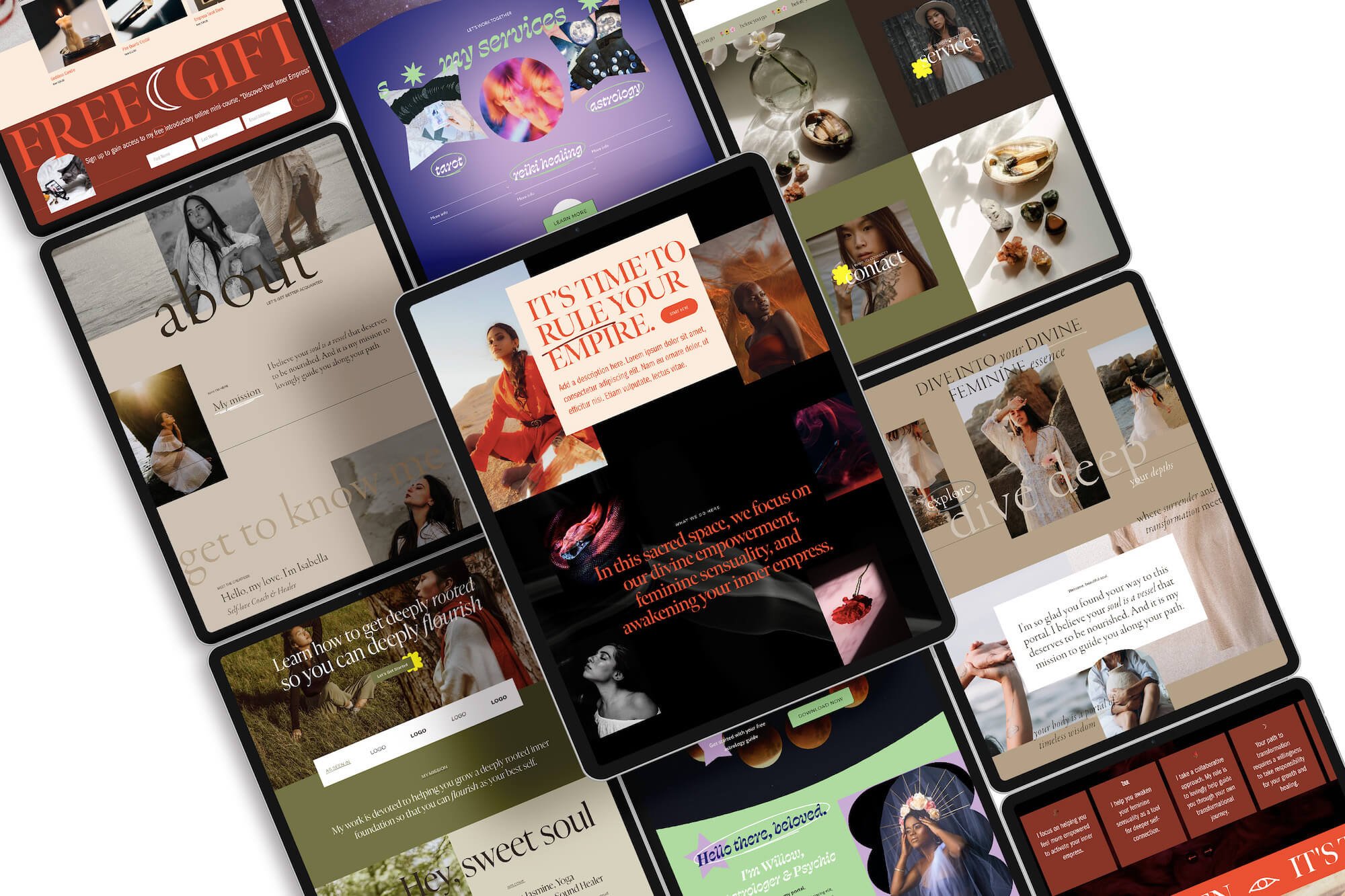
Image source: Product Mockups by Moyo Studio (GET 15% OFF + 4 free mockups using our affiliate link). A look at our Goddess collection of astrology-inspired Squarespace website templates
Adopt AI Safely: A 5-Step Small-Business Playbook
AI can absolutely help you serve customers smarter, but the safest wins come from small, well-chosen experiments. Use this playbook to keep your small business digital transformation controlled, people-first, and aligned with the AI tool types you’re already comparing for cost, time savings, and personalization.
Pick one workflow to pilot (not a department).
Choose a single, repeatable task tied to a customer outcome, like drafting responses to common support questions, summarizing call notes, or creating first-pass social captions. Define success in simple metrics for a 2–4 week pilot: minutes saved per task, response time, or fewer back-and- forth emails. This is strategic AI adoption in miniature: one workflow, one owner, one measurable result.
Write “ethical guardrails” before you connect anything.
Create a one-page AI policy your team can follow without guessing. Include: what data is off-limits (payment info, health data, passwords), when a human must approve output (quotes, refund decisions, legal/HR messages), and how you label AI-assisted messages internally. Many owners are also navigating a patchwork of state AI laws, so keeping your rules written down helps you stay consistent as expectations change.
Design a human-in-the-loop checklist for quality control.
For any AI output that reaches customers, require a quick review pass: check facts, pricing, tone, and brand promises (delivery dates, guarantees, return policy). Add “red flag” triggers that force escalation, angry customers, safety issues, or anything involving account access. This reduces the classic AI integration challenge of confident-sounding mistakes and keeps customer trust intact.
Upskill your team in small chunks, tied to real work.
Run a 45-minute monthly “AI working session” using actual examples from your business: the top 10 customer questions, last week’s invoices, or a recent campaign. Teach three skills: writing better prompts, spotting errors/bias, and turning output into a final deliverable. Skill gaps slow adoption in many organizations, and 46% of C-suite leaders cite talent skill gaps as a top reason for rollouts lag, so treat training as part of the rollout, not an afterthought.
Plan integration like plumbing: inputs, outputs, and handoffs.
Map the workflow on a single page: where the data starts (email, chat, forms), where AI touches it, and where it ends (your CRM, invoicing, ticketing). Decide what gets automated vs. what stays manual, and set a rollback plan (how you’ll revert if results dip). This also helps you choose among AI tool types more confidently, standalone assistants for quick wins, or deeper integrations when the pilot proves value.
Turn AI Into Reliable Customer Service and Steady Growth
Small businesses are under pressure to respond faster and personalize service, without adding headcount or losing the human touch. The answer isn’t chasing tools, it’s treating AI as a growth enabler through strategic technology use, clear goals, and ethical considerations in AI that protect customers and employees.
Done well, AI becomes a steady support system: fewer repetitive tasks, more consistent service, and better decisions that compound into long-term AI benefits and small business innovation.
Use AI to strengthen your business, not replace your judgment.
Choose one customer-facing workflow to pilot this week and one AI skill to build so the work stays people-first. That’s how you build resilience and sustainable growth in a market that won’t slow down.